How to Prepare for Custom CMMS Module Development: A Complete Guide
Chang

Have you ever wondered what goes into building a custom software module? Whether you are exploring the idea of a production monitoring system, a specialised reporting dashboard, or any other custom feature, this guide offers a behind the scenes look at how software teams approach custom development projects.
At Cerev, we work closely with facility management teams to build custom modules that fit their unique operations. Along the way, we have learned what makes these projects run smoothly. This article shares that knowledge for anyone curious about the process, whether you are just exploring possibilities or actively planning a project.
Of course, if you would rather skip the reading and just have a conversation, our team is always happy to guide you through everything from scratch.
How Custom Modules Come Together
Building custom software is a collaborative journey. Our role is to translate your operational needs into a working solution. The more we understand about your day to day challenges, the better we can design something that truly helps.
Here is what typically makes these projects successful:
- Shared understanding: When both sides are on the same page about goals, the end result matches expectations.
- Iterative feedback: Great modules are built through conversation and refinement, not a single handoff.
- Real world context: Understanding how your team actually works helps us design practical solutions.
Understanding User Stories

In software development, we often talk about "user stories" as a way to capture what people need to accomplish. A user story follows a simple format: As a [role], I want [feature] so that [benefit].
This approach helps everyone focus on the purpose behind a feature, not just the technical details. Here are some examples to illustrate the concept:
General vs Specific Examples
General: "I want to see production data."
More specific: "As a production manager, I want to see daily output quantities for each production line so that I can identify which lines need attention."
General: "We need equipment monitoring."
More specific: "As a maintenance engineer, I want to receive alerts when machine temperature exceeds safe levels so that I can respond before equipment is damaged."
The specific versions give developers much more context to work with. That said, if you are not sure how to frame your needs this way, that is completely fine. We can work through this together during our discovery conversations.
Questions That Help Shape User Stories
If you enjoy thinking through these details, here are some questions that often lead to useful insights:
- Who will use this feature? (technicians, managers, operators)
- What are they trying to accomplish?
- Why is this important to them?
- How often would they use it?
Where Does the Data Come From?
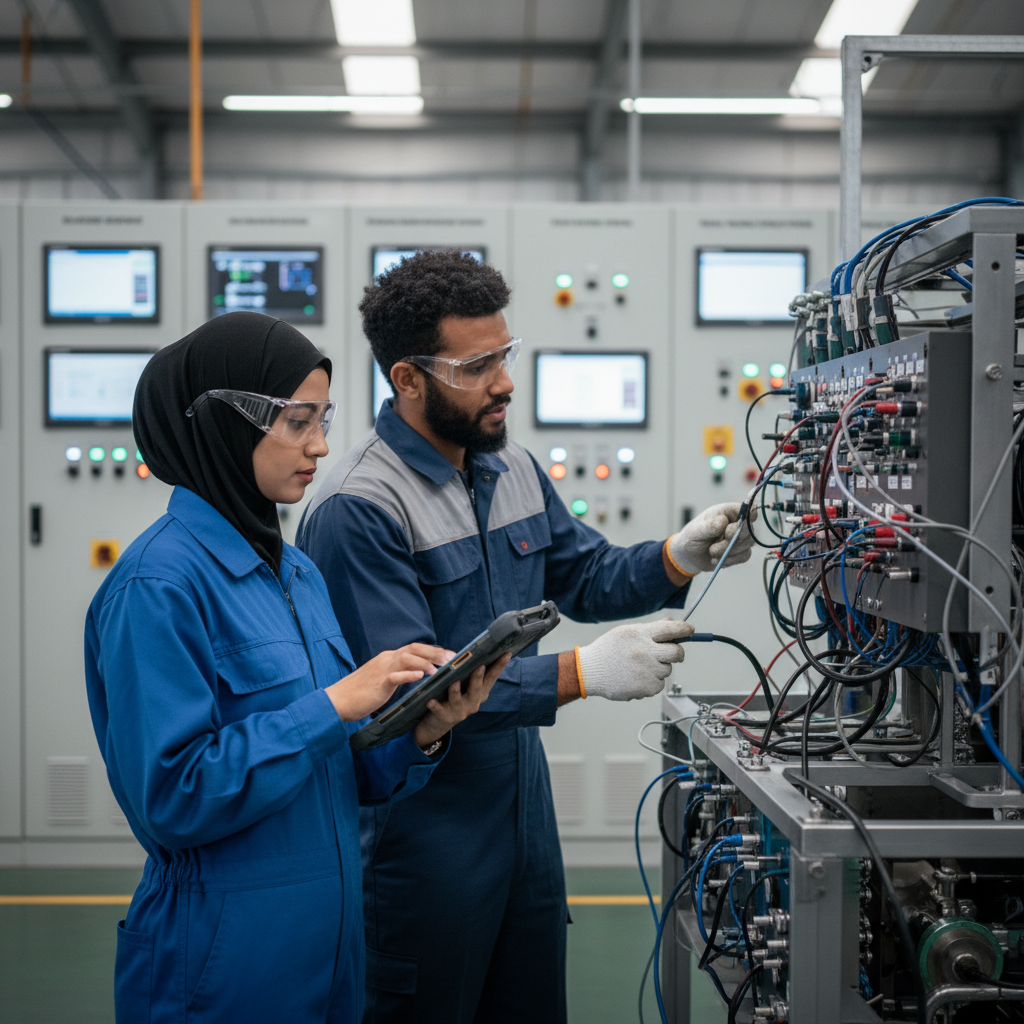
Every custom module works with data from somewhere. Understanding the data landscape helps us plan how different systems can connect. Here is an overview of common data sources we encounter in facility management:
Automated Systems
- BMS (Building Management Systems): HVAC controls, lighting systems, access control
- PLC Controllers: Machine states, cycle counts, error codes
- SCADA Systems: Process variables, alarm events, historical trends
- IoT Sensors: Temperature, humidity, vibration, pressure readings
- Utility Meters: Electricity, water, gas consumption
Manual Input
- Operator entries: Production counts, quality checks, shift handovers
- Inspection forms: Checklists, observations, photos
- Approvals: Sign offs, authorisations, verifications
Not sure what systems you have or how they connect? No problem. We can help assess your current setup and identify integration possibilities during our technical discovery sessions.
Technical Details We Explore Together
For those interested in the technical side, here are the kinds of questions we typically explore:
- What communication protocols are available? (Modbus, BACnet, OPC UA, REST API)
- How frequently does data update?
- Who manages the system currently?
- Are there access restrictions or security requirements?
- Is documentation available?
Thinking About Inputs and Outputs
At a high level, every module takes in some information (inputs) and produces something useful (outputs). Here is how we typically think about this:
Inputs: What Information Feeds the System?
Data points can be characterised by:
- What it measures (temperature, count, status)
- Unit of measurement (kWh, pieces, degrees Celsius)
- How often it updates (every second, every minute, once per shift)
- Where it comes from (sensor, manual entry, another system)
Outputs: What Do You Want to See?
Common outputs that teams find valuable:
- Dashboards: Real time displays showing current status
- Reports: Daily, weekly, or monthly summaries
- Alerts: Notifications when values exceed thresholds
- Calculations: OEE, efficiency rates, cost per unit
- Trends: Historical comparisons and forecasts
Example: Production Output Module
To make this concrete, here is what a production monitoring module might look like:
Inputs:
- Machine cycle count from PLC
- Product type currently running
- Shift start and end times
- Reject count from quality station
Outputs:
- Units produced per hour
- Yield percentage
- Shift production summary
- Alert when hourly target is not met
Understanding Workflow Patterns
Software works best when it mirrors how your team actually operates. Here are some workflow patterns we commonly see:
Common Workflow Questions
- Who enters the data? (operators, supervisors, automated systems)
- When is data captured? (real time, end of shift, weekly)
- Are there approval steps? (who signs off on what)
- What triggers notifications? (thresholds, deadlines, status changes)
- How does information flow between team members?
Workflow Example
Here is a typical production tracking workflow:
- Operator scans equipment QR code at start of shift
- System automatically records shift start time
- PLC sends production counts every minute
- Operator logs any downtime events manually
- System calculates OEE at end of shift
- Report is automatically sent to production manager
- Manager reviews and approves the shift report
Every organisation works differently, and that is exactly why custom modules exist. We love learning about unique workflows and finding ways to support them.
Design Considerations

While our design team handles the detailed interface work, understanding how your team prefers to work helps us make better design decisions.
Device Considerations
- Mobile first: Great for technicians who need quick access on phones or tablets while on the floor
- Desktop focused: Better for managers reviewing detailed reports and analytics
- Both equally: Many teams need different experiences for different roles
Different Users, Different Needs
- Operators: Simple input forms, current status at a glance
- Supervisors: Team overview, approval queues
- Managers: Analytics, trends, reports
- Executives: High level KPIs, cost summaries
The Development Journey
Curious about how custom module development actually works? Here is a typical journey:
Discovery Phase
This is where we learn about your operations, challenges, and goals. We ask lots of questions and work together to define what success looks like. You do not need to have everything figured out before this stage. That is what discovery is for.
Design Phase
We create wireframes and specifications based on our conversations. You review the designs and provide feedback before any coding begins.
Development Phase
Our team builds the module. We stay in touch throughout and may reach out with questions as we work through the details.
Testing Phase
We test internally first, then you test in a staging environment. Your feedback helps us refine the solution before launch.
Deployment Phase
The module goes live. We provide training and support to ensure a smooth rollout for your team.
What Influences Project Scope
- Complexity of integrations with external systems
- Number of user roles and permission levels
- Reporting and analytics depth
- Mobile application requirements
- Collaboration pace during the review cycles
A Quick Reference Guide
For those who like to think ahead, here are the types of information that tend to be helpful during custom module discussions:
- Goals: What problems are you trying to solve?
- Users: Who will use the module and what do they need?
- Data: What systems or data sources might be involved?
- Outputs: What would you like to see as a result?
- Workflow: How does your team currently handle this process?
- Devices: Where will people use this? (mobile, desktop, both)
Remember, you do not need answers to all of these before reaching out. These are simply the areas we will explore together.
Let's Talk
Whether you have a detailed vision or just a spark of an idea, we would love to hear about it. Our team enjoys these conversations and is here to help at whatever stage you are in.
Have questions? Want to explore what is possible? Reach out anytime. We are happy to chat through your ideas and see how we might help bring them to life.
Ready to optimize your maintenance operations?
Get in touch with our team to discuss how Cerev CMMS can help streamline your maintenance workflow and reduce costs.